


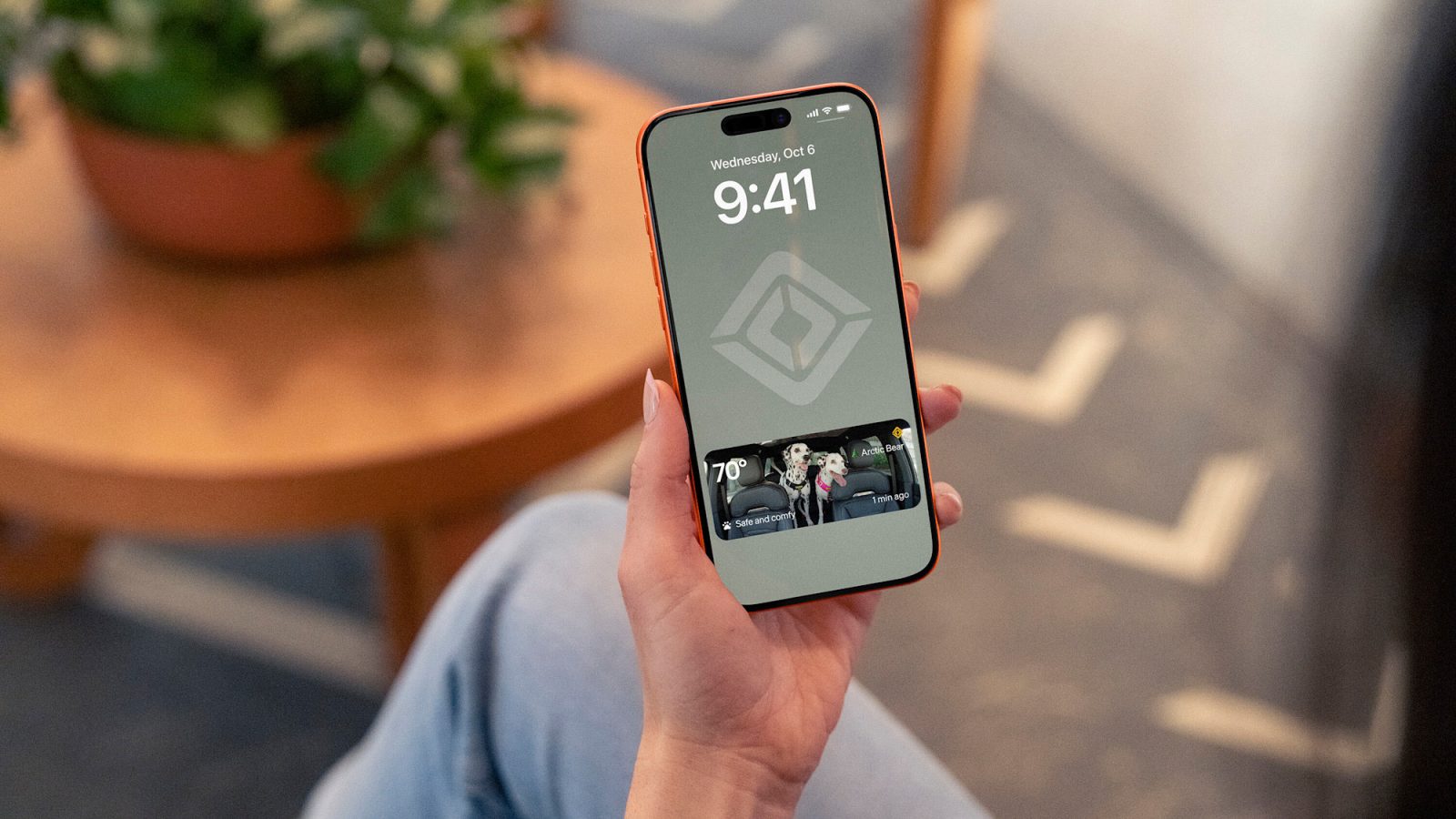
Rivian is rolling out Pet Cam, a new feature in software update 2026.36 that lets R2 owners check on a pet left in the vehicle through a live video feed in the Rivian app.
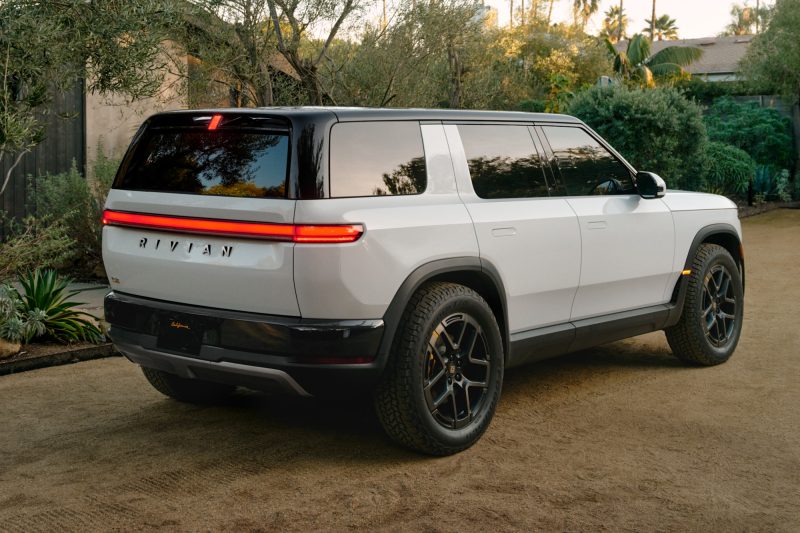
It’s exclusive to the R2. R1T and R1S owners get new remote Pet Mode controls instead, and the same update brings the Rivian Assistant to the R2, four months after the SUV launched.
How Pet Cam works on the R2
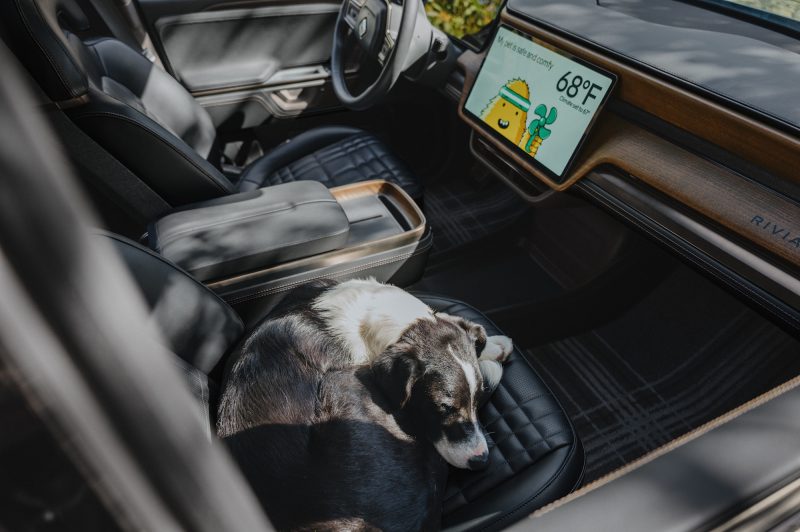
Rivian announced the feature today. Pet Cam uses the R2’s interior cabin camera, which the company describes as a “high-definition RGB” unit, to send a full-color view of the cabin to your phone.
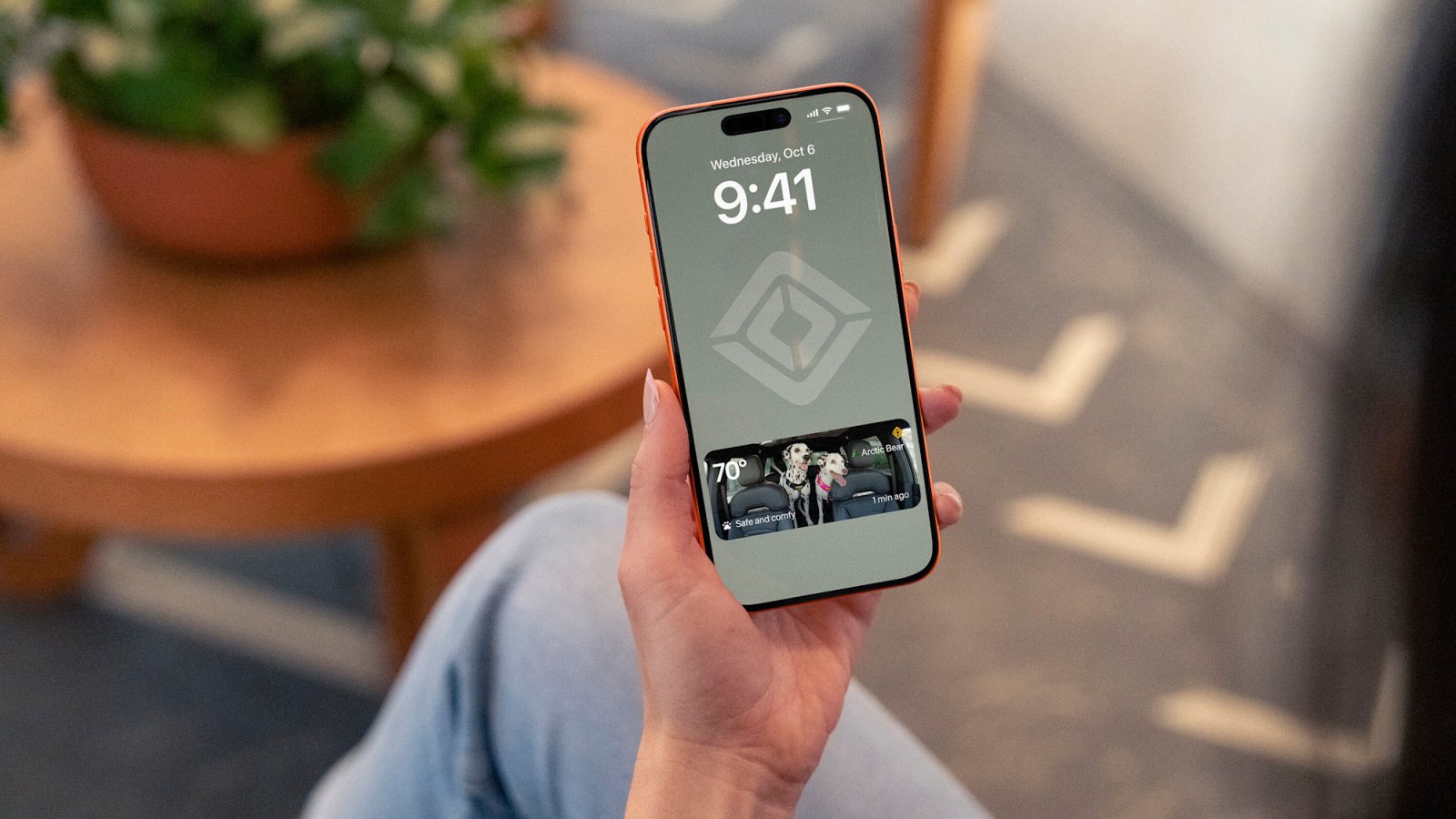
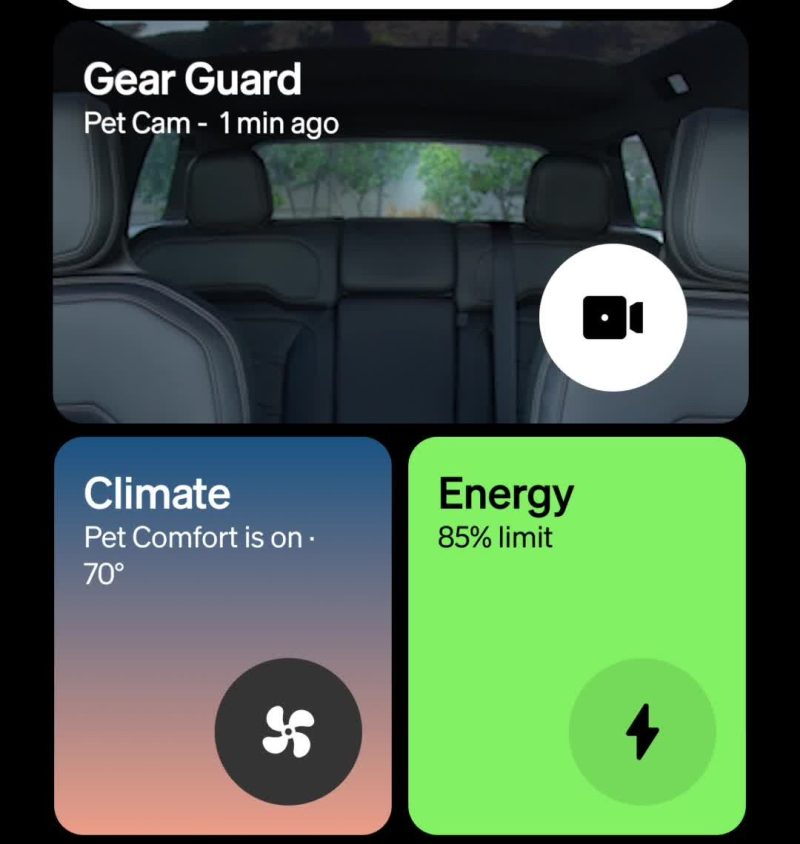
There are two ways to use it. You can open a live stream from the Gear Guard section of the Rivian app, with a badge on the video showing the current cabin temperature. Or you can skip the stream entirely, because the app dashboard and your phone’s lock screen get fresh still images of the cabin on a regular basis.
Most of the time, you don’t want to watch your dog sleep for five minutes. You want a two-second look to confirm everything is fine, and a lock screen snapshot with the temperature on it does that without opening anything.
Rivian also built in an off switch. Anyone sitting in the vehicle can end the live stream with one tap on the center display.
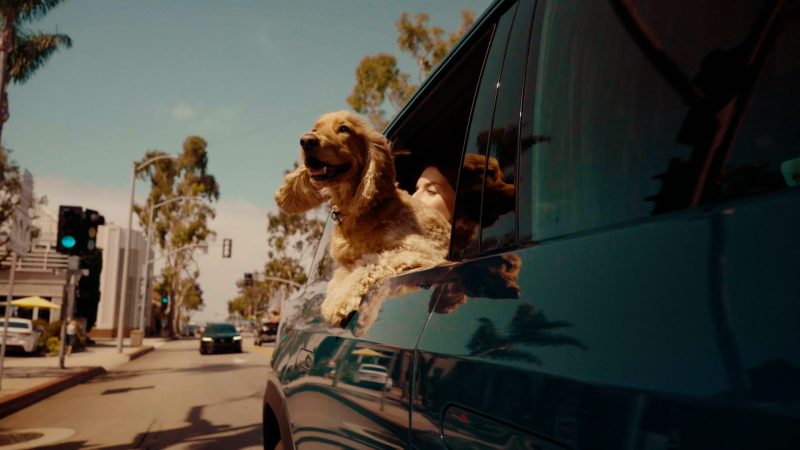
The automaker says more than 60% of its owners travel with a dog, which explains why this got done four months into the R2’s life.
R1T and R1S get app controls, no camera
R1 owners aren’t getting Pet Cam. Rivian ties the feature to the R2’s cabin camera and didn’t announce a version for its flagship truck and SUV.
What Gen 1 and Gen 2 R1 owners do get is remote control of Pet Mode, which the R2 gets too. Until now, you had to turn Pet Mode on before you left the vehicle. With 2026.36, you can switch it on from the Rivian app after you’ve walked away, and switch it off by tapping the paw icon in the app’s climate controls.
Either way, the app asks you to confirm first. That’s there so you don’t shut off the climate control by accident, or leave it running for hours.
The catch is Connect+
Rivian’s announcement doesn’t mention pricing. But there’s a catch.
Rivian’s own Connect+ page lists “remote camera livestreaming” as a paid feature, not a standard one. Connect+ costs $14.99 a month or $149.99 a year.
The fine print on that page also caps Gear Guard Live Cam at one hour of streaming per day. It says interior viewing only works with Pet Mode enabled and “is not to be used for people.”
Tesla owners will find all of this familiar. Tesla launched Dog Mode in 2019, and its owner’s manual says you can view the cabin from the Tesla app while the mode is on, with periodic cabin snapshots on newer iPhones. Tesla’s remote live camera view launched as a Premium Connectivity feature, and that plan costs $9.99 a month.
Rivian Assistant reaches the R2
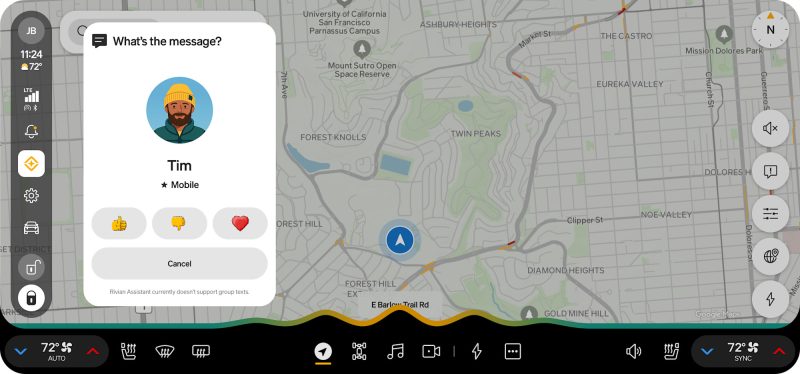
Update 2026.36 also brings Rivian’s AI voice assistant to the R2. It can adjust climate, media and navigation, answer general questions, pull up the weather at your destination, and identify the song that’s playing.
You call it up by pressing the right Haptic Halo Wheel on the steering wheel, tapping an icon on the display, or saying “Hey, Rivian.”
R1 owners have had it since May. When Rivian launched the “Hey Rivian” assistant, we reported that it would be on the R2 when customer deliveries started. The R2 launched on June 9, so buyers waited four months for a feature that was supposed to be there on day one. And it needs Connect+ too.
Rivian says 2026.36 is starting to roll out now to eligible R1 and R2 vehicles. It comes a month after RivianOS 2 put the R1 and R2 on one software stack.
Charge your electric vehicle at home using rooftop solar panels. Find a reliable and competitively priced solar installer near you on EnergySage, for free. They have pre-vetted installers competing for your business, ensuring high-quality solutions and 20-30% savings. It’s free, with no sales calls until you choose an installer. Compare personalized solar quotes online and receive guidance from unbiased Energy Advisers. Get started here.


FTC: We use income earning auto affiliate links. More.
